
A fun art project to create Thai map using Lego.
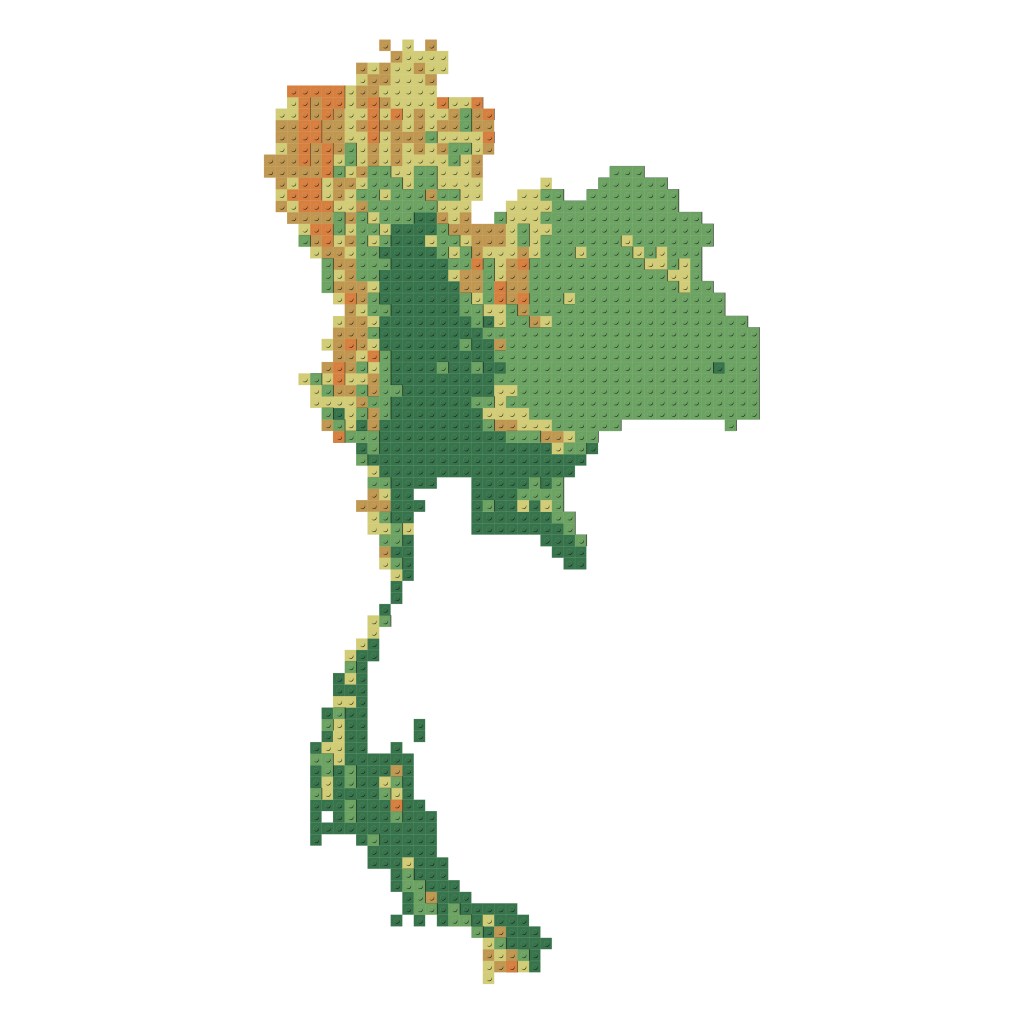
Steps
- Create a 20,000 m X 20,000 m grid layer (vector) to represent 1 module of a Lego brick.
- Left join the grid layer from Step 1 with Thailand’s DEM layer (Digital Elevation Model, can be downloaded from various sources).
- Break the elevation data into class ranges and define the colors. In this case, we break our data into 5 classes (by Natural Breaks) and use earth-tone color scheme.
- Reclassify elevation data into integers. This will make it easier to perform grid count.
- The total number of grids of each class represent one module of Lego brick.
- Do a research on the available Lego color and sizes. We do the research by hand at the Lego shop at Siam Paragon department store, Bangkok.
- Count number of Lego pieces needed to use by dividing number of grid count of each class with the size of Lego size.
- Time for art.


 PHANNISA